
Custom Paragraphs Module – Complete Usage Guide
This guide explains how to use the Custom Paragraphs module to create dynamic repeatable field groups in Drupal custom forms.
What is Custom Paragraphs?
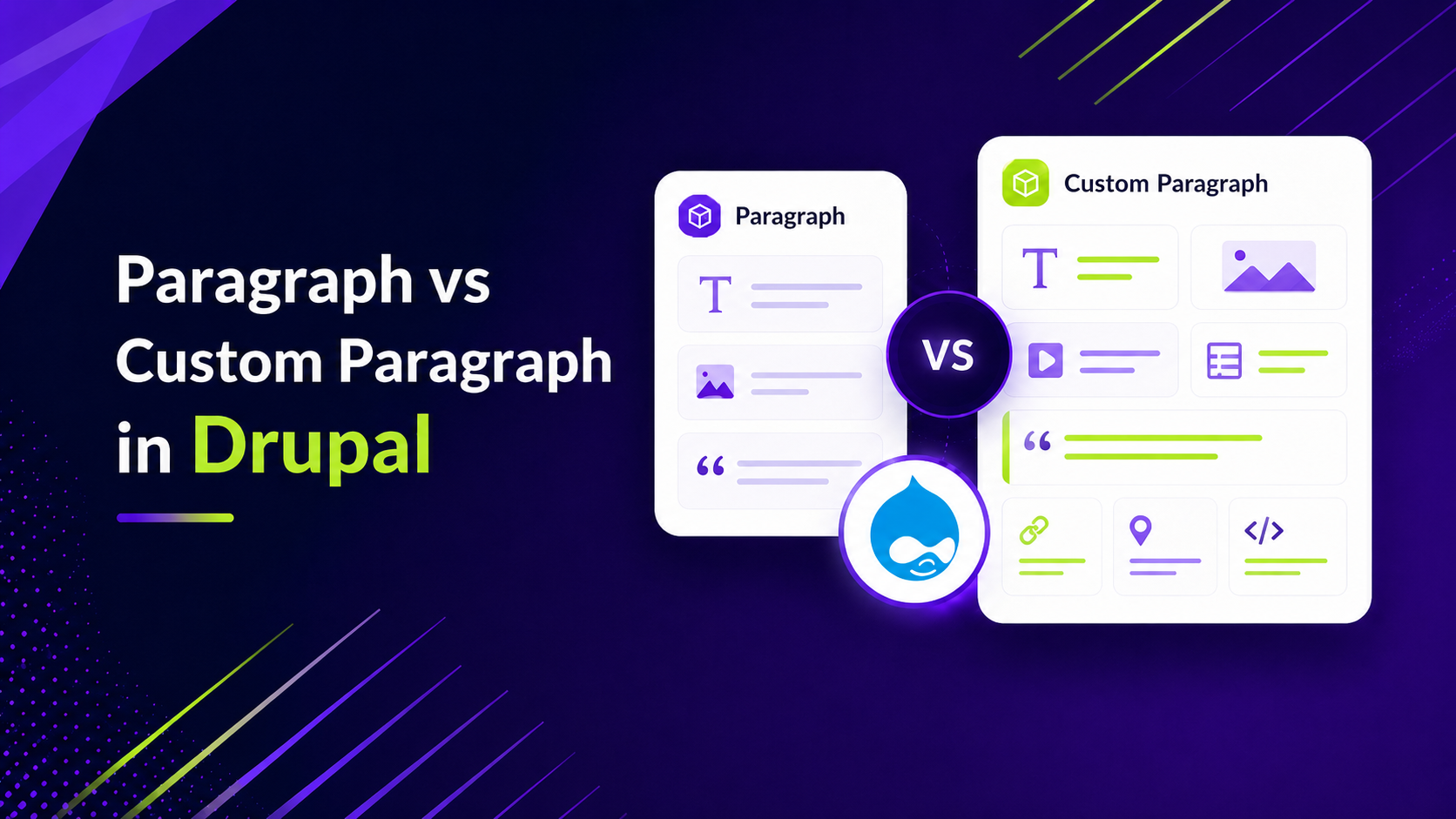
Custom Paragraphs is a JavaScript-powered solution that allows developers to create repeatable form field groups with advanced features like file uploads, CKEditor support, and validation.
- Add unlimited items dynamically
- Supports multiple field types
- Handles file uploads with preview
- Stores data as JSON
Step 1: Attach Library
$form['#attached']['library'][] = 'your_module/repeatable_fields';
---
Step 2: JavaScript Initialization
(function (Drupal, once, window) {
  "use strict";

  Drupal.behaviors.repeatableFields = {
    attach(context) {
      once("repeatable-fields", "[data-repeatable-field-group]", context)
        .forEach((element, index) => {

          let config = {};

          try {
            config = JSON.parse(
              element.getAttribute("data-repeatable-field-group") || "{}"
            );
          } catch (error) {
            config = {};
          }

          element.setAttribute("data-rfg-instance", index + 1);

          if (typeof window.RepeatableFieldGroup === "function") {
            new window.RepeatableFieldGroup(element, config);
          }
        });
    },
  };
})(Drupal, once, window);
Explanation:
- Reads configuration from HTML attribute
- Initializes repeatable field group
- Supports multiple instances
Step 3: Library Definition
repeatable_fields:
  version: 1.01
  js:
    js/repeatable_fields.js: {}
  dependencies:
    - core/drupal
    - core/once
    - custom_paragraphs/custom_paragraphs
Step 4: Drupal Form Implementation
$form['cards_wrapper'] = [
  '#type' => 'container',
  '#tree' => true,
  '#attributes' => ['id' => 'cards-wrapper'],
];

$form['cards_wrapper']['cards'] = [
  '#type' => 'container',
  '#attributes' => [
    'class' => ['cards-list'],
    'data-repeatable-field-group' => json_encode([...CONFIG HERE...]),
  ],
];
Hidden Field (Data Storage)
$form['cards_wrapper']['cards_json'] = [
  '#type' => 'hidden',
  '#attributes' => ['class' => ['cards-list-hidden']],
];
All repeatable data is stored in JSON format inside this hidden field.
Full Configuration Example
{
  "groupLabel": "Card",
  "maxItems": 8,
  "minItems": 1,
  "initialItems": 1,
  "addButtonText": "Add another",
  "removeButtonText": "Remove",
  "hiddenInputSelector": ".cards-list-hidden",
  "validationPrefix": "cards-list",
  "validateBeforeAdd": true,

  "fields": [
    {
      "type": "text",
      "name": "title",
      "label": "Title",
      "required": true
    },
    {
      "type": "textarea",
      "name": "description",
      "editor": "ckeditor5",
      "editorFormat": "basic_html"
    },
    {
      "type": "file",
      "name": "image",
      "upload_location": "public://images/"
    }
  ]
}
Configuration Options Explained
| Option | Description |
|---|---|
| groupLabel | Label for each item |
| maxItems | Maximum number of items |
| minItems | Minimum required items |
| initialItems | Items shown initially |
| addButtonText | Add button label |
| removeButtonText | Remove button label |
| hiddenInputSelector | Where JSON data is stored |
| validateBeforeAdd | Validate before adding new item |
Field Options
- type: text, textarea, select, file, checkbox
- name: field key
- label: field label
- required: true/false
- editor: ckeditor5
- upload_location: Drupal file path
How It Works
- User clicks "Add"
- New field group appears
- User fills data
- Data stored in hidden JSON field
- On submit → backend processes JSON
Best Use Cases
- Cards / Sections builder
- Team members
- Multiple uploads
- Dynamic form inputs
Repeatable Field Group Configuration (Full Example)
The following example demonstrates a complete implementation of a repeatable field group using the Custom Paragraphs module inside a Drupal form. Each option is carefully configured to control behavior, validation, UI, and data handling.
$section['cards_wrapper'] = [
  '#type' => 'container', // Drupal container to group elements
  '#tree' => true, // Keeps form values structured in array format
  '#attributes' => [
    'id' => 'cards-wrapper', // Unique wrapper ID
  ],
];

$section['cards_wrapper']['cards'] = [
  '#type' => 'container', // Container for repeatable items
  '#attributes' => [
    'class' => ['cards-list'], // CSS class for styling & JS targeting

    // Main configuration passed to JavaScript
    'data-repeatable-field-group' => json_encode([

      // Label used for each item (e.g., Card 1, Card 2)
      'groupLabel' => 'Card',

      // Maximum number of items allowed
      'maxItems' => 8,

      // Minimum number of items required
      'minItems' => 1,

      // Number of items shown initially
      'initialItems' => 1,

      // Text for "Add" button
      'addButtonText' => 'Add another',

      // Text for "Remove" button
      'removeButtonText' => 'Remove',

      // CSS selector for hidden field where JSON is stored
      'hiddenInputSelector' => '.cards-list-hidden',

      // Prefix used for validation message classes
      'validationPrefix' => 'cards-list',

      // Prevent adding new item until current fields are valid
      'validateBeforeAdd' => true,

      // Custom ID for add button
      'addButtonId' => 'cards-list-add-button',

      // CSS classes for add button
      'addButtonClass' => ['btn', 'btn-primary', 'cards-list-add'],

      // Custom ID for remove button
      'removeButtonId' => 'cards-list-remove-button',

      // CSS classes for remove button
      'removeButtonClass' => ['btn', 'btn-danger', 'cards-list-remove'],

      // Store values as JSON (default true)
      'storeAsJson' => true,

      // Default values (useful for edit forms)
      'fieldGroupDefaultValue' => [],

      // Fields definition
      'fields' => [

        [
          'type' => 'text', // Input type
          'name' => 'title', // Field key in JSON
          'label' => 'Title', // Label shown in UI
          'placeholder' => 'Enter title', // Placeholder text
          'required' => true, // Mandatory field
          'requiredMessage' => 'Title is required.', // Error message
        ],

        [
          'type' => 'textarea', // Multi-line input
          'name' => 'description',
          'label' => 'Description',
          'placeholder' => 'Enter description',
          'required' => true,
          'requiredMessage' => 'Description is required.',

          // Enable CKEditor 5
          'editor' => 'ckeditor5',

          // Text format to use
          'editorFormat' => 'basic_html',
        ],

        [
          'type' => 'file', // File upload field
          'name' => 'icon',
          'label' => 'Icon',

          // Allow only single file
          'multiple' => false,

          // Allowed file types
          'accept' => 'png,jpg,jpeg,webp,svg,gif',

          'required' => true,
          'requiredMessage' => 'Icon is required.',

          // Drupal file system path
          'upload_location' => 'public://background-images/',
        ],

        [
          'type' => 'text',
          'name' => 'icon_alt_text',
          'label' => 'Icon alt text',
          'placeholder' => 'Enter icon alt text',
          'required' => true,
          'requiredMessage' => 'Icon alt text is required.',
        ],

        [
          'type' => 'file',
          'name' => 'image',
          'label' => 'Image',
          'multiple' => false,
          'accept' => 'png,jpg,jpeg,webp,svg,gif',
          'required' => true,
          'requiredMessage' => 'Image is required.',
          'upload_location' => 'public://background-images/',
        ],

        [
          'type' => 'text',
          'name' => 'image_alt_text',
          'label' => 'Image alt text',
          'placeholder' => 'Enter image alt text',
          'required' => true,
          'requiredMessage' => 'Image alt text is required.',
        ],

        [
          'type' => 'textfield', // Alias of text (optional usage)
          'name' => 'badge_text',
          'label' => 'Badge text',
          'placeholder' => 'Enter badge text',
          'required' => false,
        ],
      ],
    ]),
  ],
];


// Hidden field to store JSON data
$section['cards_wrapper']['cards_json'] = [
  '#type' => 'hidden', // Hidden input field
  '#default_value' => '', // Default empty value
  '#attributes' => [
    'class' => ['cards-list-hidden'], // Must match hiddenInputSelector
  ],
];
💡 Tip: Ensure that the .cards-list-hidden selector matches the hiddenInputSelector value, otherwise data will not be stored correctly.
Conclusion
Custom Paragraphs provides a powerful and flexible way to build dynamic forms without complex backend logic. It is lightweight, developer-friendly, and highly customizable.







Comments