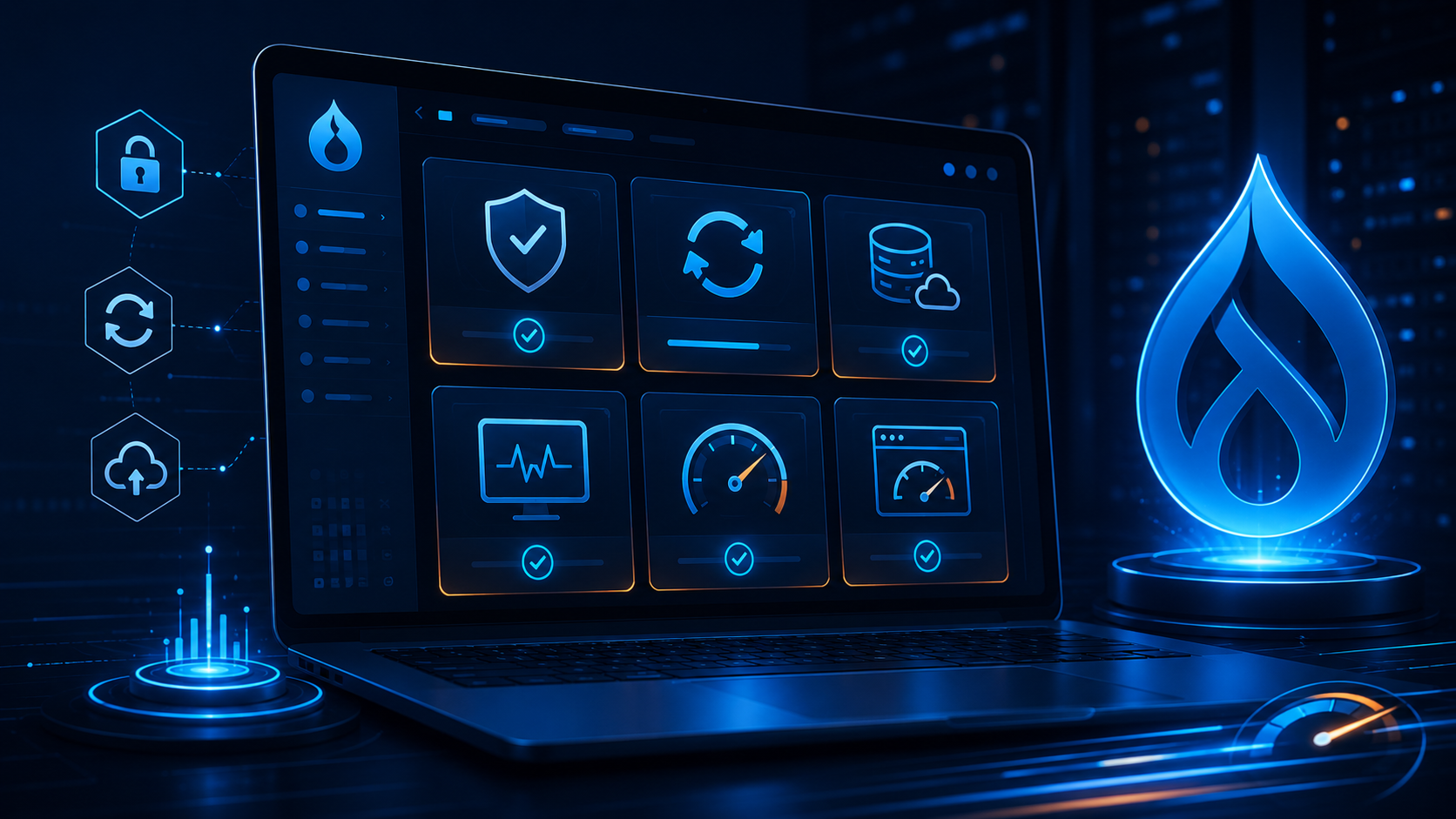
Why Drupal Website Maintenance Is Important
A Drupal website is not something you launch once and leave untouched. Like any modern digital platform, it needs regular maintenance to stay secure, fast, stable, and aligned with business goals.
Without proper maintenance, websites can become slow, vulnerable to security risks, difficult to update, and unreliable for users. Regular Drupal maintenance helps prevent issues before they affect performance, search visibility, or customer trust.
1. Keep Drupal Core and Modules Updated
Drupal core, contributed modules, and themes should be reviewed and updated regularly. Updates often include security patches, bug fixes, compatibility improvements, and performance enhancements.
- Check available Drupal core updates.
- Review contributed module updates.
- Update custom code carefully after testing.
- Apply security updates as soon as possible.
- Test updates in a staging environment before production deployment.
A proper update workflow reduces the risk of broken pages, module conflicts, and unexpected downtime.
2. Monitor Website Security Regularly
Security is one of the most important reasons to maintain a Drupal website. Even a small outdated module or weak configuration can create risk.
Drupal maintenance should include regular security audits, user permission reviews, login protection, file permission checks, and monitoring for suspicious activity.
- Review admin user accounts.
- Remove unused users and roles.
- Check file and folder permissions.
- Enable security-related Drupal modules where needed.
- Monitor logs for unusual activity.
3. Improve Website Performance
Website speed affects user experience, conversions, and search performance. Drupal maintenance should include regular performance checks to identify slow pages, heavy images, unused scripts, and caching issues.
- Enable Drupal page and render caching.
- Optimize images and use WebP formats where possible.
- Minify CSS and JavaScript files.
- Remove unused modules and libraries.
- Review database size and clean unnecessary data.
A faster Drupal website gives users a better experience and helps reduce server load.
4. Take Regular Backups
Backups are essential for protecting your website from data loss, failed updates, server issues, or accidental changes. A good Drupal maintenance plan should include scheduled backups for both files and databases.
- Backup the Drupal database regularly.
- Backup uploaded files and media assets.
- Store backups in a secure external location.
- Test backup restoration periodically.
- Keep backup versions based on business needs.
Backups are useful only when they can be restored successfully, so testing is just as important as creating them.
5. Check Broken Links and Content Issues
Over time, pages may be removed, URLs may change, and external links may stop working. Broken links can affect user experience and SEO health.
Maintenance should include checking broken links, missing images, outdated content, redirect issues, and duplicate pages.
- Fix broken internal and external links.
- Update outdated content.
- Check missing images or media files.
- Set proper redirects for changed URLs.
- Review important landing pages regularly.
6. Review Forms, Emails, and Integrations
Forms and third-party integrations are important parts of most business websites. Contact forms, newsletter forms, CRM connections, payment gateways, analytics tools, and APIs should be tested regularly.
- Test contact form submissions.
- Check email delivery.
- Verify CRM or marketing automation integrations.
- Review API errors and logs.
- Make sure spam protection is working.
A small form or email issue can lead to missed leads, so these checks should be part of routine maintenance.
7. Monitor Uptime and Error Logs
A reliable Drupal website should be monitored continuously. Uptime monitoring helps identify outages quickly, while log reviews help detect errors before they become serious problems.
- Monitor website uptime.
- Check Drupal recent log messages.
- Review server error logs.
- Track 404 and 500 errors.
- Fix repeated warnings or failed processes.
Regular monitoring helps keep the website stable and reduces unexpected downtime.
Conclusion
Drupal website maintenance is essential for keeping your site secure, fast, reliable, and ready for future growth. Regular updates, backups, security checks, performance reviews, and content audits help prevent costly problems and improve the overall user experience.
A well-maintained Drupal website supports better business results, stronger website performance, and long-term digital stability.